
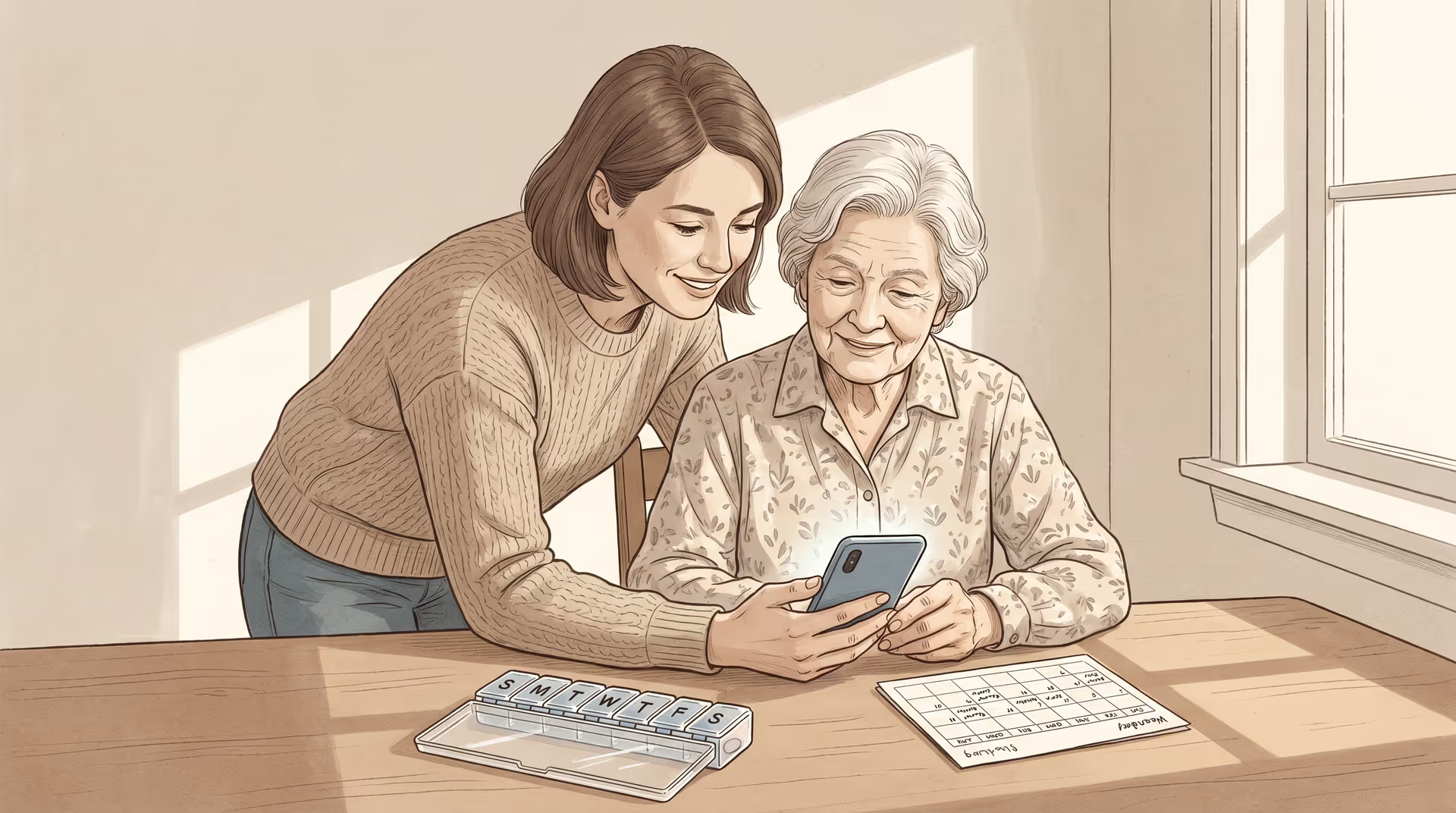
Caring for an aging parent or spouse often means becoming a part-time pharmacist, scheduler, medical scribe, and family communications director, frequently while holding down a job of your own. The right app won't make that load disappear, but it can turn a chaotic stack of sticky notes, group texts, and pill organizers into something you can keep track of. The number of Americans caring for an older adult grew by nearly a third between 2011 and 2022, and the tools built for them have matured right alongside that demand.
The challenge is that the app stores are crowded, and many "caregiver apps" are really lead-generation funnels for paid services. At Mirador, we think the more useful question isn't which app is best; it's which category of tool solves the problem in front of you right now. Below, we break caregiving apps into the five jobs they do, what to look for in each, and how to avoid the common trap of installing ten apps when you needed two.
Start with the problem, not the app
A good rule: avoid apps that promise to do everything. All-in-one platforms tend to do many things adequately and nothing well, and the setup burden can be so high you abandon them by week two. Most families are well served by two to four focused apps, each owning a single job.
Before downloading anything, write down your top three frustrations. Is it that nobody knows who's driving Mom to her cardiologist? That you can't remember whether the evening pills were taken? That you're the only one who knows what the doctor said? Match the category to the pain point, not the other way around.
The five categories of caregiver apps
| Category | What it helps with | What to look for |
|---|---|---|
| Medication management | Dose reminders, refill alerts, drug-interaction warnings | Caregiver notifications when a dose is missed; ability to manage from a separate phone than the person taking the meds |
| Care coordination & scheduling | Shared calendar, task lists, ride and meal sign-ups | A "helping circle" model so extended family and friends can claim tasks without you assigning them |
| Health & symptom tracking | Logging pain, mood, blood pressure, sleep, appetite | Easy daily entry, exportable trends you can hand to a doctor |
| Communication | One update reaching the whole family at once | A single broadcast channel that replaces the exhausting round of individual phone calls |
| Safety & monitoring | Location awareness, fall alerts, emergency contact info | Settings that respect dignity and privacy; clear, fast emergency triggering |
A neutral spread of names you'll encounter in each category (to research, not to endorse) includes medication tools like Medisafe and MyTherapy, coordination apps like Caring Village, Lotsa Helping Hands, and CaringBridge, symptom trackers like Bearable, and safety options like Life360 and built-in phone Medical ID features. Mirador doesn't sell, rank, or take referral fees from any of them; we'd rather you choose by fit.
Medication management
This is usually the highest-stakes category, because a missed or doubled dose has real consequences. The features that separate a genuine caregiver tool from a personal reminder app are remote oversight (you get an alert on your phone when a dose is missed on theirs) and interaction checking when a new prescription is added. If your loved one juggles several prescriptions across multiple doctors, this is the first app to install. To sanity-check any drug a tool flags, the National Library of Medicine's plain-language drug information database is a free, authoritative reference.
Care coordination & scheduling
The best coordination apps borrow a "lots of helping hands" model: instead of you texting six relatives to beg for a Tuesday ride, you post the need and someone claims it. Look for shared calendars, task lists anyone can pick up, and a place to store documents like insurance cards and the medication list so they aren't trapped on one person's phone. This matters most in the sandwich generation, where caregivers are stretched between aging parents and their own children.
Health & symptom tracking
A simple daily log of pain, mood, sleep, appetite, or blood pressure does two things: it catches slow declines you'd miss day to day, and it gives the doctor real data instead of "she's seemed off lately." Pick a tracker your loved one (or you) will open every day. Five seconds of tapping beats a beautiful dashboard nobody fills in. Tracking is especially powerful when paired with hands-on help; our guide to activities of daily living explains which everyday tasks are worth monitoring as needs change.
Communication
Caregiver burnout is fed by repetition: telling the same update to a dozen worried relatives. A broadcast-style update app (CaringBridge is the classic example) lets you post once and let everyone read on their own time, with a guest book for encouragement. It's a small change that returns real hours and emotional energy to you.
Safety & monitoring
Location and fall-alert tools can be genuinely reassuring, but they sit closest to the line between support and surveillance. Choose settings that preserve dignity, talk openly with your loved one about what's being shared, and lean on simple built-in features first. Most smartphones have a free Medical ID and emergency-contact screen accessible from the lock screen. For someone living with cognitive decline, pair monitoring with the structured support described in our memory care overview.
Don't forget the caregiver
Self-care apps (guided meditation, sleep, and therapy tools) aren't a luxury in this context; sustained caregiver stress is itself a public health concern. Even a few minutes of structured breathing or a connection to professional support can be the difference between sustainable caregiving and collapse. If you're early in your journey, our guide on how to start your senior living search can help you think ahead about when an app stops being enough.
When an app isn't the answer
Technology organizes care; the actual caregiving still falls to people. If you find yourself managing a crisis through notifications, that's often a signal that the level of need has outgrown what any phone can hold. Free, unbiased human help exists: the federally funded Eldercare Locator connects families to local services, the Administration for Community Living outlines caregiver support programs, and the Alzheimer's Association has a 24/7 helpline. Sometimes the most caring move is to stop coordinating alone and bring in personal care for seniors or another layer of support.
Frequently asked questions
How many caregiver apps do I really need? Usually two to four. Pick the one or two categories that map to your biggest frustrations, most often medication and coordination, and resist the urge to install something for every possible scenario.
Are caregiver apps free? Many have a capable free tier, with paid plans for advanced features. Be cautious with "free" apps that are mainly funnels into paid services; the MedlinePlus caregivers hub points to genuinely free, non-commercial resources.
Can I manage a parent's medications from my own phone? Yes; that's the defining feature to look for. The best medication apps let a caregiver monitor doses and receive missed-dose alerts remotely, which is essential for long-distance caregiving.
What if my loved one resists being "tracked"? Start with a conversation before any app. Frame monitoring around shared goals like staying independent at home, choose the least intrusive settings that meet the need, and revisit the arrangement together as circumstances change.
